Overview
Why it works
Automations fail when nobody wrote down the steps, the edge cases or where a person should check the output. This planner makes you do that first.
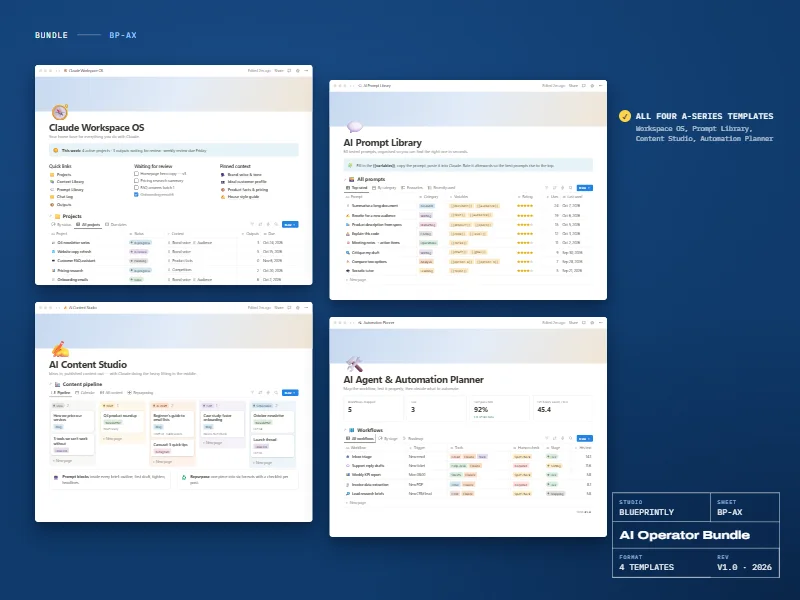
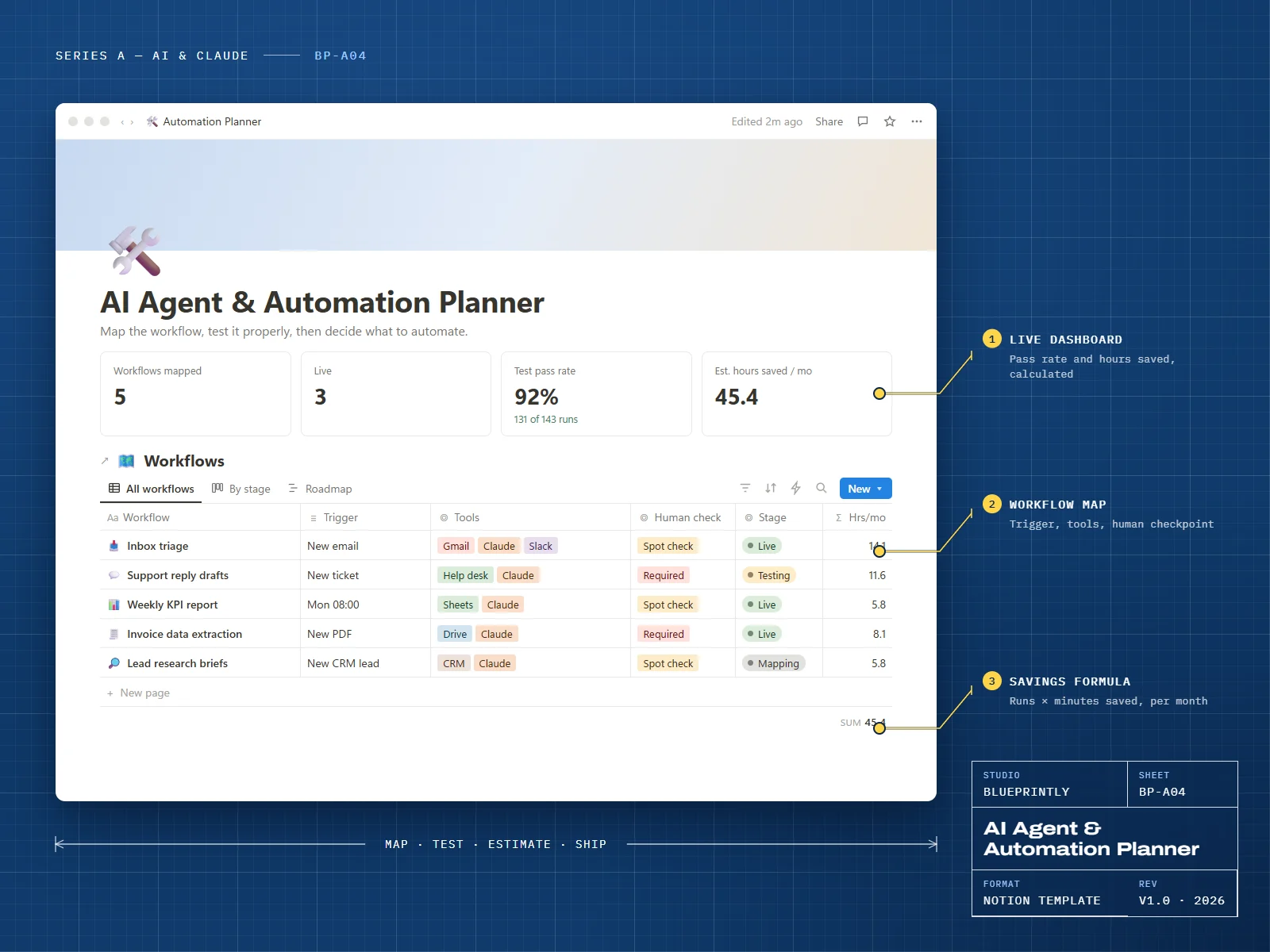
Map each workflow with its trigger, tools and human checkpoint, write test cases, log results, and let the savings formula show which automations are worth building.
6 parts
What’s inside
Workflows
Trigger, steps, tools, human checkpoint, stage and estimated hours saved.
Tools & Connectors
Every tool and connection your workflows depend on, in one register.
Test Cases
Expected behaviour for normal and awkward inputs, linked to each workflow.
Eval Log
Pass/fail results per run, so you know when a workflow is ready.
Savings Estimator
Runs per week × minutes saved, converted to hours per month.
Changelog
What changed, when, and why — for every workflow.
Made for
- Operations and support leads exploring AI
- Freelancers building automations for clients
- Anyone who wants to test before they trust
What you need
- A Notion account — the free plan is enough
Delivery
How you get it
Check out securely
Pay with card, Apple Pay or Google Pay through Stripe. It takes about a minute.
Open your template link
Your link appears on screen as soon as payment completes. We also email it to you within 24 hours.
Duplicate it into Notion
Click Duplicate, choose your workspace, and follow the Start here page inside the template.
Does it build the automation for me?
How do I receive my template?
Can I get a refund?
Can I use a template for my business or my clients?
Related