Overview
Why it works
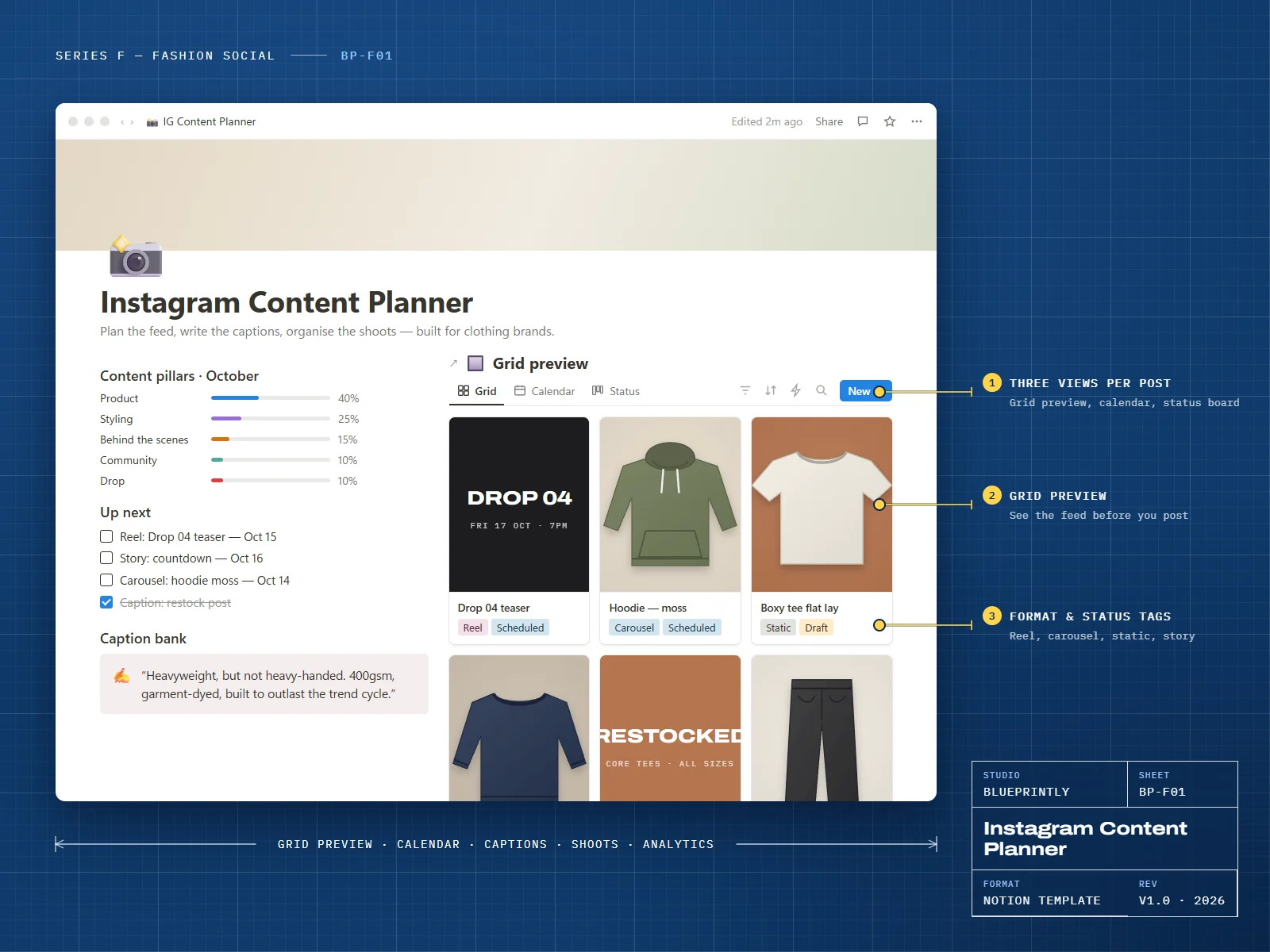
See your grid before you post it, keep a healthy balance of product, styling and behind-the-scenes content, and never write the same caption twice.
The shoot planner turns a lookbook day into a shot list with looks, crops and where each image will be used, so nothing gets missed on the day.
6 parts
What’s inside
Grid Preview
A three-column gallery in posting order, so you can check the feed before it goes live.
Content Calendar
Reels, carousels, statics and stories, colour-coded by format.
Posts
Format, content pillar, status, caption, hashtags and posting date for every post.
Caption Bank & Hashtag Sets
Reusable captions and hashtag groups you can drop into any post.
Shoot Planner
Looks, shot lists, crops and usage for every shoot day.
Monthly Analytics
Reach, saves, profile visits and link clicks, entered from Instagram Insights.
Made for
- Independent clothing and accessories brands
- Social media managers working with fashion clients
- Founders posting their own content
What you need
- A Notion account — the free plan is enough
Delivery
How you get it
Check out securely
Pay with card, Apple Pay or Google Pay through Stripe. It takes about a minute.
Open your template link
Your link appears on screen as soon as payment completes. We also email it to you within 24 hours.
Duplicate it into Notion
Click Duplicate, choose your workspace, and follow the Start here page inside the template.
Does it post to Instagram for me?
Can I use it for TikTok too?
How do I receive my template?
Can I get a refund?
Can I use a template for my business or my clients?
Related
You might also like
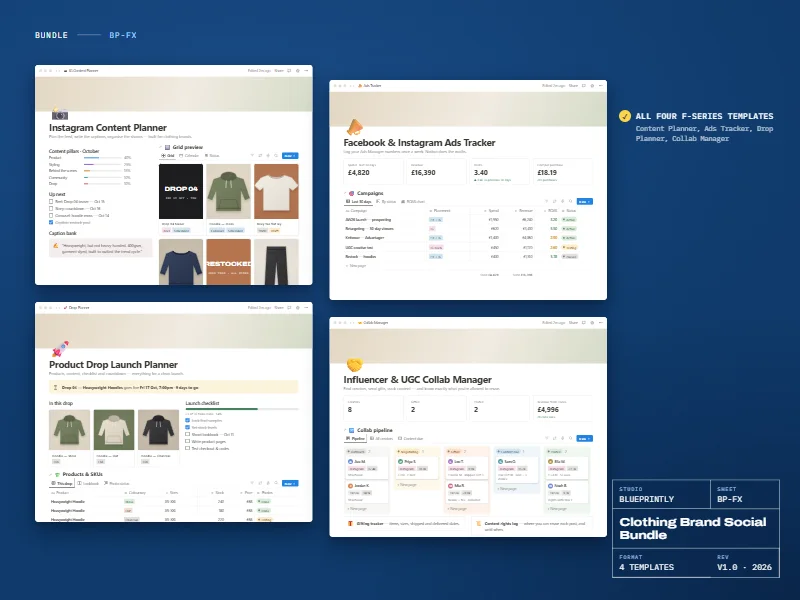
Clothing Brand Social Bundle
All four Series F templates for clothing brands on Instagram and Facebook.
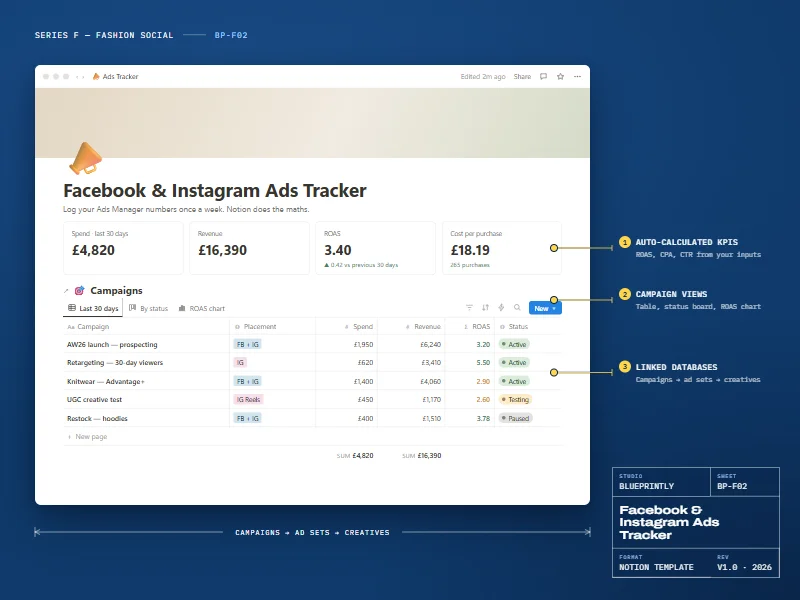
Facebook & Instagram Ads Tracker
Track campaigns, ad sets and creatives. Notion works out ROAS, CPA and CTR.
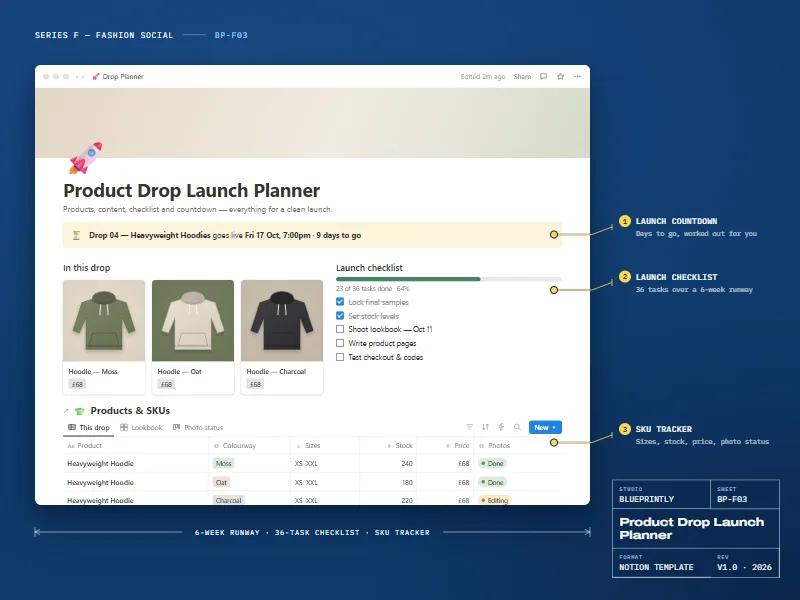
Product Drop Launch Planner
Plan a clothing drop from samples to sell-through.